Petty Cash Reconciliation: Complete Procedure Guide
Every transaction updates your running balance instantly — visible to the right people on your team.
Petty Cash Reconciliation with SpendNote
Petty cash reconciliation means verifying your physical cash matches your records. SpendNote is a lightweight tool for small teams—it doesn't automate the physical count, but it gives you the exact digital record you need: every IN and OUT transaction logged with timestamps, parties, amounts, and running balances.
Simple Tracking for Small Teams
Every cash handoff receipt you create builds your transaction history automatically. Here's what you get:
Complete Transaction Log
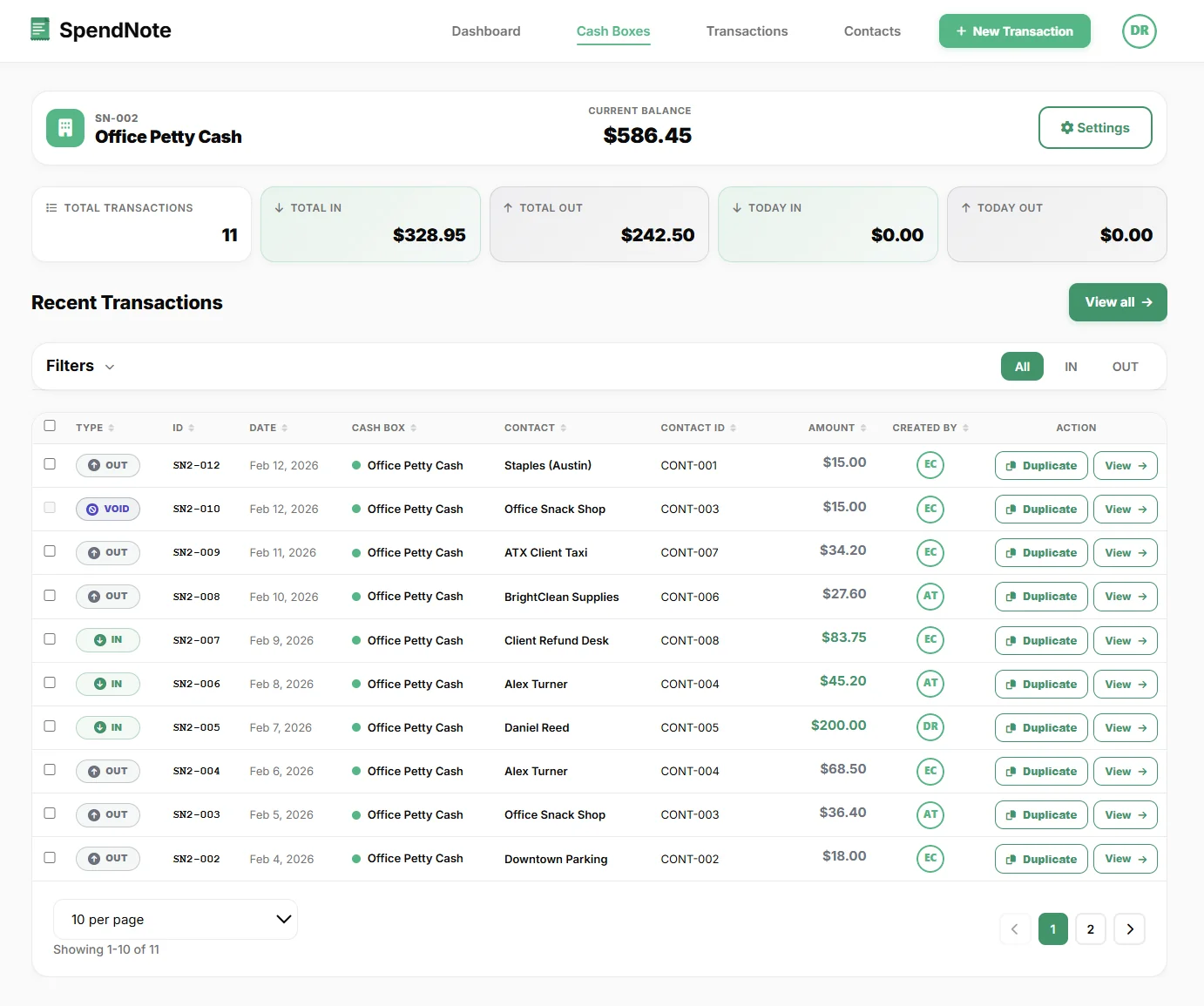
Every receipt (IN or OUT) is logged automatically. Filter by date range to see all transactions for your reconciliation period.
Running Balance
Each cash box shows its current balance based on all IN and OUT transactions. This is your expected cash on hand.
Downloadable Transaction Record
Export filtered transactions to CSV or generate a PDF for your records. Simple, no reporting complexity.
Original Entry Stays Visible
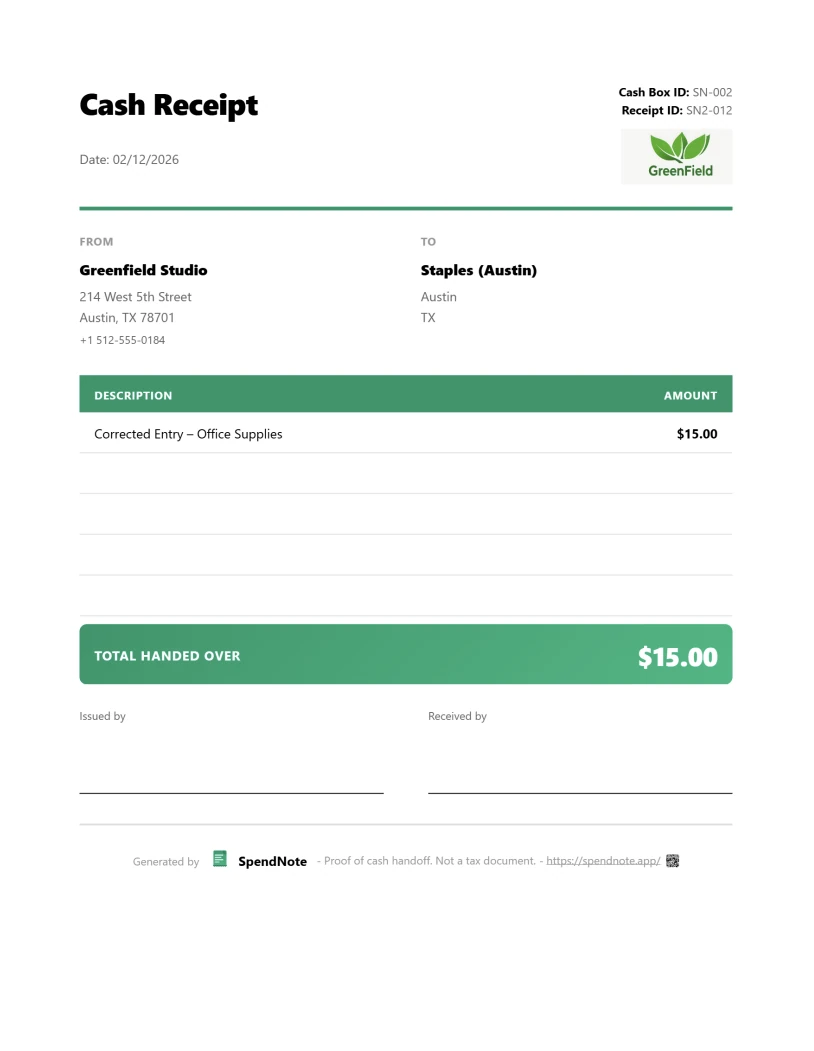
If a mistake is corrected, the original record remains visible for transparency. No deletions, just clear history.
Your Reconciliation Workflow
- Count Physical Cash - Count the bills and coins in your petty cash box
- Check SpendNote Balance - View your cash box's running balance (based on all logged transactions)
- Compare - Your counted cash should match the running balance shown in SpendNote
- Export Report - Generate a PDF or CSV export of all transactions for the period as your reconciliation documentation
- Investigate Discrepancies - If physical cash doesn't match, review the transaction log to find missing or incorrect entries
Doing the same reconciliation across two or three sites? The same logic scales: see how the cloud-based petty cash tool for multi-site teams keeps a separate running balance per location, all on one dashboard.
Every Transaction Already Receipted — Reconciliation is a 5-Minute Job
Sign and print as cash moves — when reconciliation comes, the receipts and balances are already in place. No spreadsheet, no end-of-month scramble. Free to start, no credit card.
Start Receipt-Logging NowPetty Cash Reconciliation FAQ
Does SpendNote automatically reconcile my petty cash?
No. You still need to physically count your cash. But SpendNote gives you the exact digital record (running balance and transaction log) to compare against, making reconciliation much faster.
Can I export reconciliation reports?
Yes. Filter transactions by date range and cash box, then export to CSV or generate a summary PDF report for your records.
What if I find a discrepancy?
Review your transaction log in SpendNote to verify all cash handoffs were recorded. If a transaction was recorded incorrectly, an admin can void it (with a reason) and create a corrected entry. The void stays in your audit trail.
Simple Cash Tracking, One Receipt at a Time
Every receipt you sign and print becomes part of your transaction record. Clear, lightweight, no accounting complexity. Free to start, no credit card.
Create First ReceiptAlso see: How to fill out a petty cash voucher, Petty cash policy template, Office expense reimbursement form, Digital petty cash book, Petty cash receipt generator, Petty cash doesn't balance, Petty cash audit checklist, Daily cash report template, Cash count sheet template, Petty cash replenishment form, Petty cash app.
Need more info? Visit our pricing page or FAQ.
Try everything. Pay nothing for 14 days.
Then, if you love it
- Unlimited receipts and cash boxes
- Your logo on every receipt
- Print, PDF & CSV export
Every cash handoff, recorded and signed.
Set up in two minutes. First receipt in thirty seconds. Every entry saved and searchable.
Start my free trial