Your Digital Receipt Book — Every Cash Receipt in One Searchable Place
Every cash receipt your team creates lives in one place — search by name, date, or amount, resend or reprint anytime. No paper book, no spreadsheet.
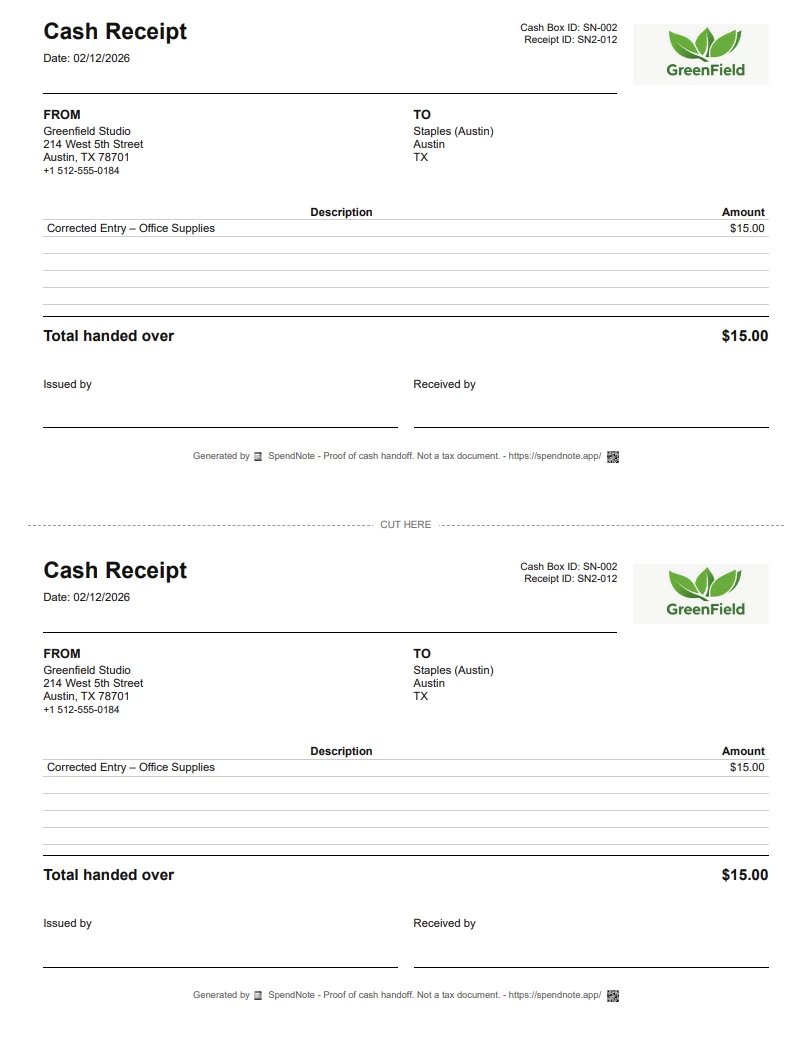
Make a cash receipt right now
Fill in the fields, then print two copies or save it as a PDF. Free, no account, nothing to install.
Why Paper Receipt Books Fall Short
A paper receipt book does one thing: it creates a handwritten carbon copy. For decades, that was enough. But the moment you need to find a receipt from three months ago, prove what was paid to whom, or share a copy with someone who isn't standing in front of you — the paper book fails.
Lost or Damaged
Paper gets wet, torn, or misplaced. A receipt book left on a job site or in a drawer is useless when you need the record. Once it's gone, the proof is gone.
Unsearchable
Need to find every receipt issued to a specific person? With a paper book, you flip through every page. With a digital receipt book, you search by name, date, or amount in seconds.
No Remote Access
The receipt book lives in one physical location. If you're not there, you can't issue a receipt or look one up. A digital system works from anywhere.
No Audit Trail
Paper receipts don't record who wrote them, can be altered after the fact, and don't connect to a running balance. When the auditor asks questions, paper raises more than it answers.
How a Digital Receipt Book Works
Every time cash changes hands, you log it. The system generates a formatted receipt automatically — with date, amount, who gave, who received, and a description. That receipt is stored, searchable, and re-printable forever — your whole receipt book becomes one place you can filter and look up in seconds.
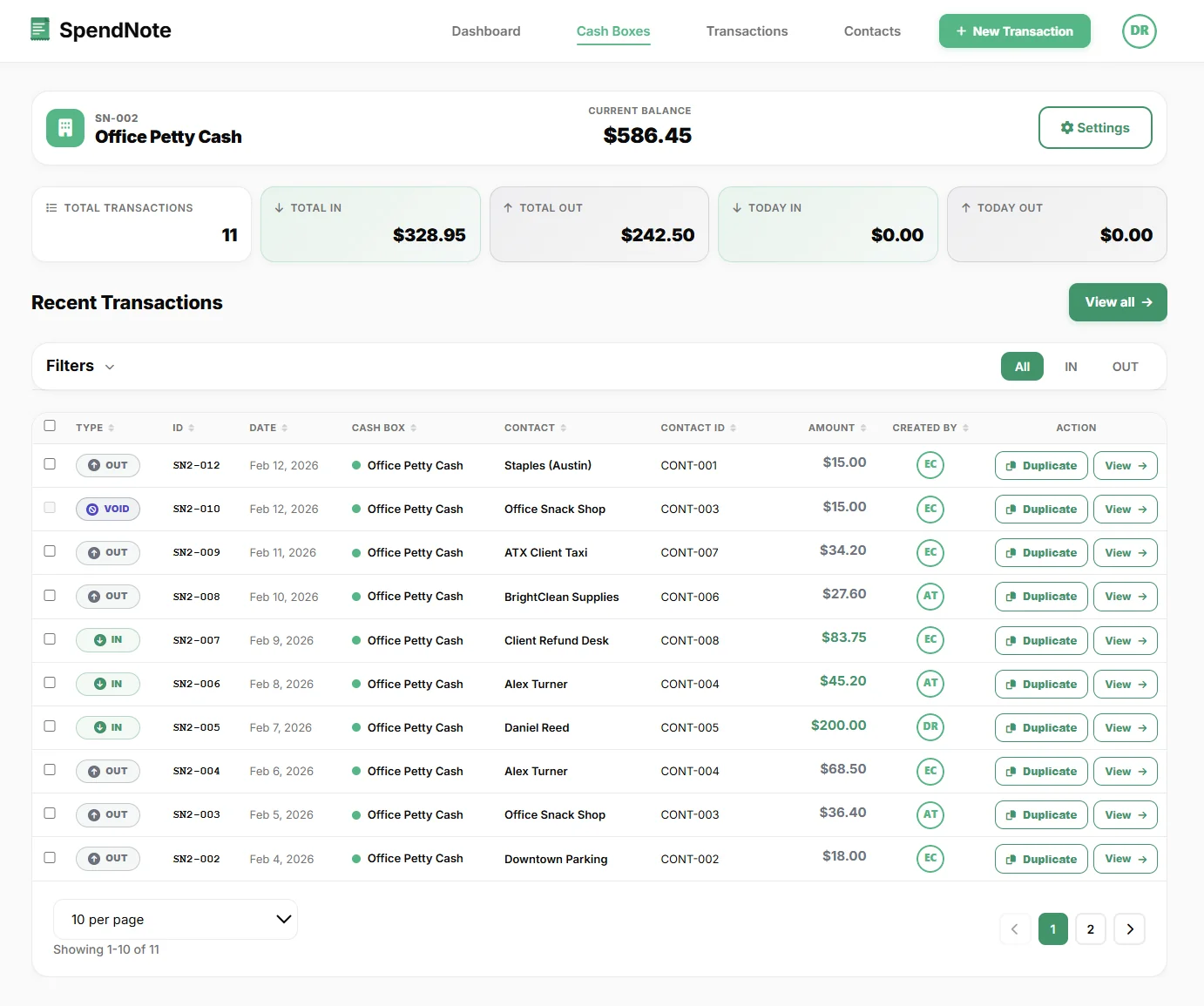
- Instant generation — receipt created the moment you save the transaction
- Printable two-copy format — one for you, one for the recipient, on one page
- Email delivery — send the receipt directly to the other party
- PDF download — save to your files or attach to records
- Full history — every receipt stored and searchable by contact, date, or amount
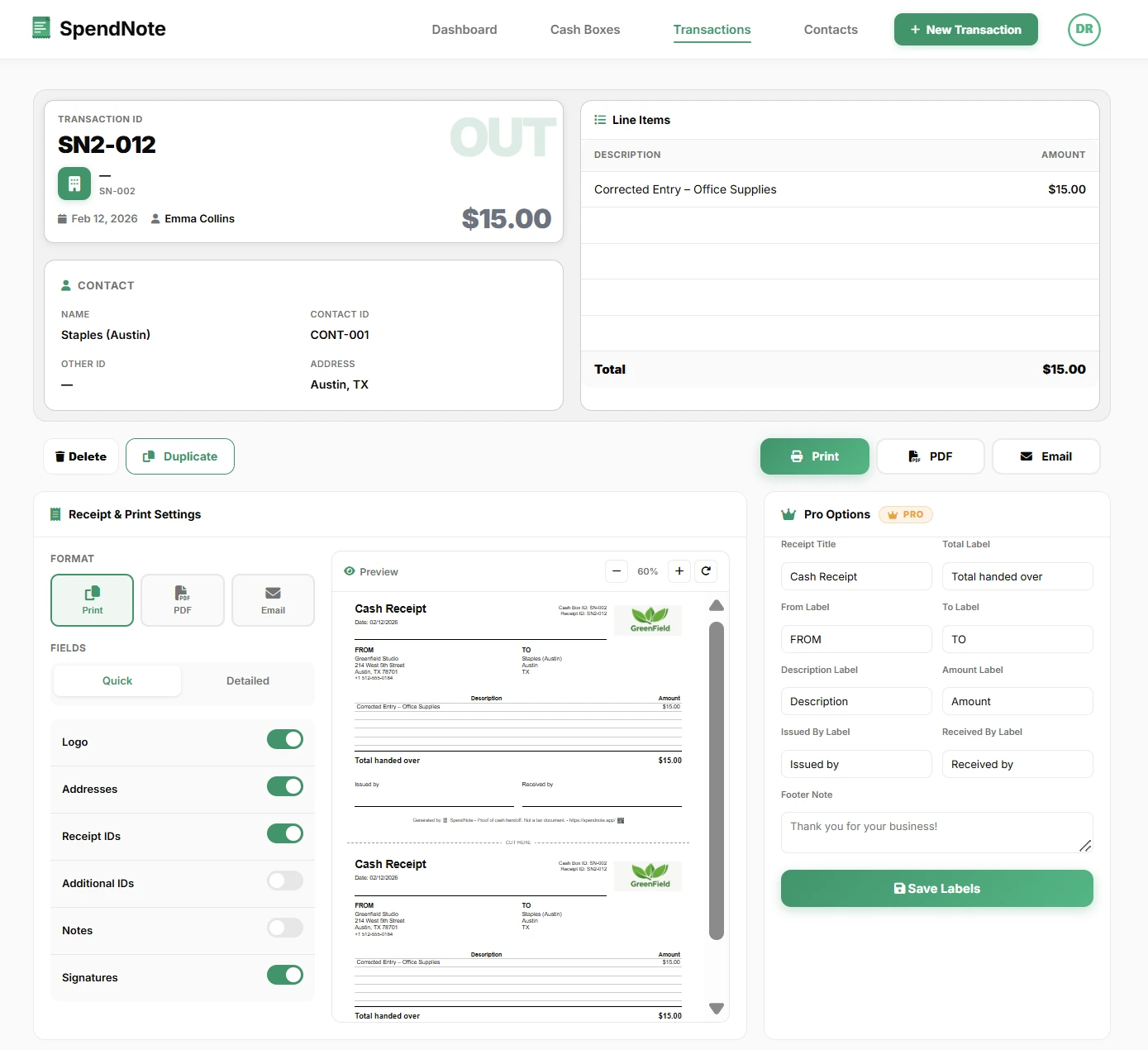
Open Your Digital Receipt Book
Start logging cash receipts today — search, filter, resend or reprint any of them anytime. Free to start, no credit card.
Open Digital Receipt BookWhat Every Digital Receipt Includes
Each receipt generated by SpendNote includes everything a cash receipt should have:
- Date and time — automatically recorded
- Amount — exact, in your selected currency
- Direction — IN (cash received) or OUT (cash paid out)
- Contact name — who the cash went to or came from
- Description — what the payment was for
- Cash box name — which cash box the transaction belongs to
- Issued by — the user who recorded the transaction
From Paper Book to Digital in Minutes
Step 1: Sign up for free. You get a default cash box immediately.
Step 2: Set your current cash balance. This is where your paper receipt book balance stands right now.
Step 3: Start logging transactions. Every entry generates a receipt you can print, email, or download — just like your paper book, but searchable and permanent.
You don't need to transfer old receipts. Keep your paper book as an archive. From this point forward, every new receipt lives in your digital receipt book.
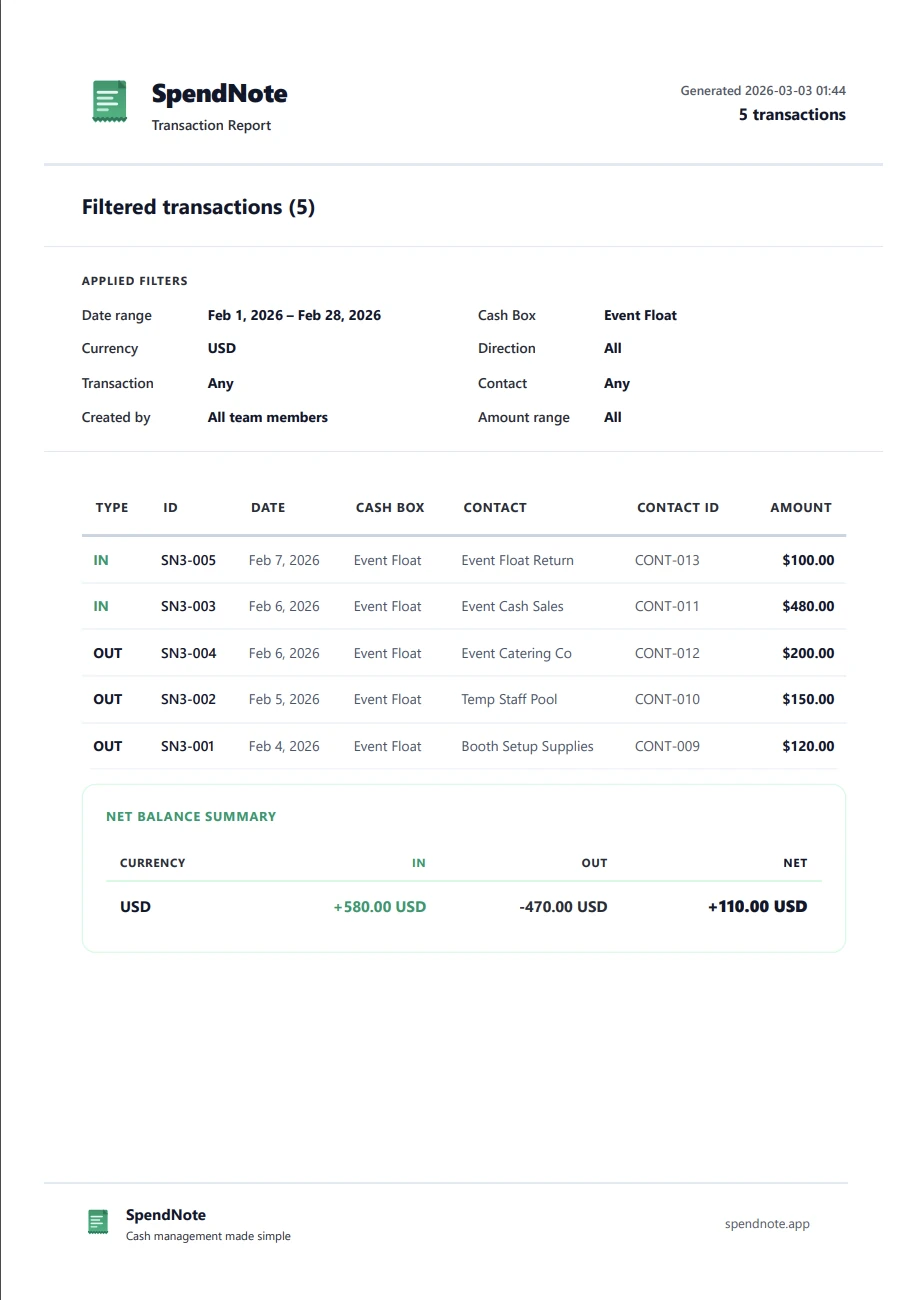
If you're currently tracking cash in a spreadsheet, see how a dedicated app compares to Excel.
Important: SpendNote generates internal cash handoff documentation and receipts. It does not produce tax invoices, official accounting documents, or sales receipts. The receipts document that cash changed hands — your accounting software handles the rest.
Frequently Asked Questions
What is a digital receipt book?
A digital receipt book is a software tool that replaces paper carbonless receipt books. Instead of writing receipts by hand and tearing off carbon copies, you enter the transaction details and the system generates a formatted receipt you can print, email, or save as PDF.
Is a digital receipt legally valid?
Digital receipts generated by SpendNote are internal documentation proving that cash changed hands. They are not tax invoices or official accounting documents. For legal and tax purposes, check your local requirements — but for internal proof of cash handoffs, digital receipts are widely accepted.
Can I still print receipts from a digital receipt book?
Yes. SpendNote generates receipts in a printable format with two copies on one page — one for you, one for the recipient. You can also email the receipt or download it as a PDF.
How is a digital receipt book different from a receipt generator?
A receipt generator creates individual receipts. A digital receipt book stores all your receipts in one searchable history — every receipt is linked to a transaction, a contact, and a cash box. You can filter, search, re-send, or re-print any receipt at any time.
Related Pages for Different Cash-Receipt Needs
This page is about the long-term archive of every cash receipt — search, filter, resend, history. If your real question is different, here's where to go next:
- You need to document a single cash handoff between two people (shift change, team transfer, volunteer handoff) → see cash handoff receipt.
- You're a small business and you need a cash receipt tool for customer or supplier payments → see small business cash receipt tool.
- You want a branded custom receipt with your logo → see custom cash receipt with logo.
Try everything. Pay nothing for 14 days.
Then, if you love it
- Unlimited receipts and cash boxes
- Your logo on every receipt
- Print, PDF & CSV export
- Daily cash report with cash count
Every cash handoff, recorded and signed.
Set up in two minutes. First receipt in thirty seconds. Every entry saved and searchable.
Start my free trial